Saturday, August 8, 2020

Insider's look into Bounty Board Rates

Curious to know what kind of rates Twitch's bounty board program provides to the top end streamers on the platform?  Well look no further, thanks to a streamer who is careless and shares this data we can come up with the general rates of bounty boards.

Here is what a streamer who generally averages 12,000 viewers gets for a 1 hour bounty board.
Bounty Board rates

It lists 7,091 dollars for 1 hour which is about 59-60 cents per viewer if we assume 12,000 concurrents.

Here is another screenshot of the same streamer during a different period showing the actual bounty internal data.
bounty board internal offer example

On this panel it lists that they must average 10,675 concurrent viewers to get the max payout of 3,789 dollars.  This leads to around 35 cents per concurrent viewer.

Whatever way you look at it, this is a extreme amount of money for just 1 hour of streaming. If any gaming company or agency read this post and wants a opinion here is my own thoughts.  Don't pay for large streamers with big numbers, pay streamers who are in the range of 100 to 400 viewers. In my view these streamers are more likely to continue playing the game for a extended session.  Some may even start to stream the game regularly. A good example of this occuring is my own experience with receiving a Black Desert Online bounty.  Its a game I always wanted to try but never went into it until the opportunity with the bounty happened. I currently stream this game regularly on my twitch channel.


Monday, August 3, 2020

Upcoming game release dates 2020

Start planning for upcoming games early, get a hold of their release month and start to build content around whatever games you are planning to stream in the future. Being the first to develop guides and helpful information on upcoming games can help secure your spot on search engines in terms of ranking.
2020 video game releases


2020 Video Game release dates
  • July
    • Trackmania
    • Little Town Hero
    • Marvel's Iron Man VR
    • Catherine: Full Body
    • Superliminal
    • CrossCode
    • Little Town Hero
    • Bloodstained: Curse of the Moon 2
    • Deadly Premonition 2: A Blessing In Disguise
    • F1 2020
    • NASCAR Heat 5
    • Sword Art Online: Alicization Lycoris
    • Dweller's Empty Path
    • Death Stranding
    • Rocket Arena
    • Story of Seasons: Friends of Mineral Town
    • Dragon Quest Tact
    • Superhot: Mind Control Delete
    • Death Come True
    • Ghost of Tsushima
    • Paper Mario: The Origami King
    • Rock of Ages 3: Make & Break
    • Carrion
    • Crysis Remastered
    • Tannenberg
    • Cuphead
    • Destroy All Humans!
    • Samurai Shodown NeoGeo Collection
    • Lost Wing
    • Lost Wing
    • Doraemon Story of Seasons
    • Hakuoki Shinkai: Ginsei no Sho
    • Hellpoint
    • Mobile Suit Gundam Extreme VS. Maxiboost ON
    • Root Film
    • Yakuza Kiwami 2
    • Yoru, Tomosu
    • Cat Quest + Cat Quest II Pawsome Pack
    • Fairy Tail
    • Lost Wing
  • August
    • Fall Guys: Ultimate Knockout
    • Fast & Furious Crossroads
    • Horizon Zero Dawn
    • Hyper Scape
    • Risk of Rain 2
    • Collar × Malice: Unlimited
    • A Total War Saga: Troy
    • EA Sports UFC 4
    • Microsoft Flight Simulator
    • Battletoads
    • Cupid Parasite
    • Aokana: Four Rhythm Across the Blue
    • New Super Lucky's Tale
    • PGA Tour 2K21
    • Samurai Jack: Battle Through Time
    • Kandagawa Jet Girls
    • Final Fantasy Crystal Chronicles: Remastered Edition
    • The Legend of Heroes: Hajimari no Kiseki
    • Moon: Remix RPG Adventure
    • Tell Me Why: Chapter One
    • Captain Tsubasa: Rise of New Champions
    • Immortal Realms: Vampire Wars
    • Jump Force: Deluxe Edition
    • Madden NFL 21
    • Project CARS 3
    • Wasteland 3
    • Windbound
    • Serious Sam 4
    • Surgeon Simulator 2
  • September
    • Ary and the Secret of Seasons
    • Crusader Kings III
    • MX vs. ATV All Out
    • Iron Harvest
    • Tell Me Why: Chapter Two
    • WRC 9
    • Doraemon Story of Seasons
    • Marvel's Avengers
    • NBA 2K21
    • Tony Hawk's Pro Skater 1 + 2
    • Kingdoms of Amalur: Re-Reckoning
    • RPG Maker MV
    • Metal Max Xeno: Reborn
    • Tell Me Why: Chapter Three
    • BPM: Bullets Per Minute
    • Fight Crab
    • WWE 2K Battlegrounds
    • 13 Sentinels: Aegis Rim
    • Mafia: Definitive Edition
    • Re:Turn – One Way Trip
    • Umihara Kawase BaZooKa!!
    • Shantae
  • October
    • Crash Bandicoot 4: It's About Time
    • Star Wars: Squadrons
    • Ride 4
    • Dirt 5
    • FIFA 21
    • Robotics;Notes DaSH
    • Robotics;Notes Elite
    • Lego Star Wars: The Skywalker Saga
    • Spacebase Startopia
    • Transformers: Battlegrounds
    • The Legend of Heroes: Trails of Cold Steel IV
    • Shin Megami Tensei III: Nocturne HD Remaster
    • Watch Dogs: Legion
    • The Dark Pictures Anthology: Little Hope
  • November
    • Bakugan: Champions of Vestroia
    • Shadowverse: Champion's Battle
    • Sakuna: Of Rice and Ruin
    • XIII
    • Yakuza: Like a Dragon
    • Assassin's Creed Valhalla
    • Cyberpunk 2077
  • December
    • Jack Jeanne
    • Dragon Quest XI S: Definitive Edition
    • Who's Your Daddy? 
Full Game list from the epic games store
- This is the A to Z listing for all the games available.
Sunday, August 2, 2020

How to get affiliate sponsors for your channel?

Twitch affiliate sponsors

How to get sponsorships for your twitch affiliate channel! One of the best and most easiest ways for a new twitch affiliate to get sponsors is to use the following platforms.

Game Key Distributions
Keymailer - key distribution platform.  Keymailer is most likely one of the top key distro out their for game influencers.  Its going to be harder for a new affiliate to get keys from here but its something to look forward to down the line if your channel grows bigger. NOTE: Keymailer may sometimes lists games to which they dont have any keys for but collect your requests in order to sell that to game publishers.
keymailer
Noiz.gg - distributes keys, sponsorship opportunities.  This is a great platform that has many opportunities for paid sponsorships with games even with low CV amounts.
noiz gg

Arsenal.gg
- analytics, key distribution platform.
arsenal gg

Xsolla - keys, affiliate programs, performance-driven
Xsolla Influencer platform

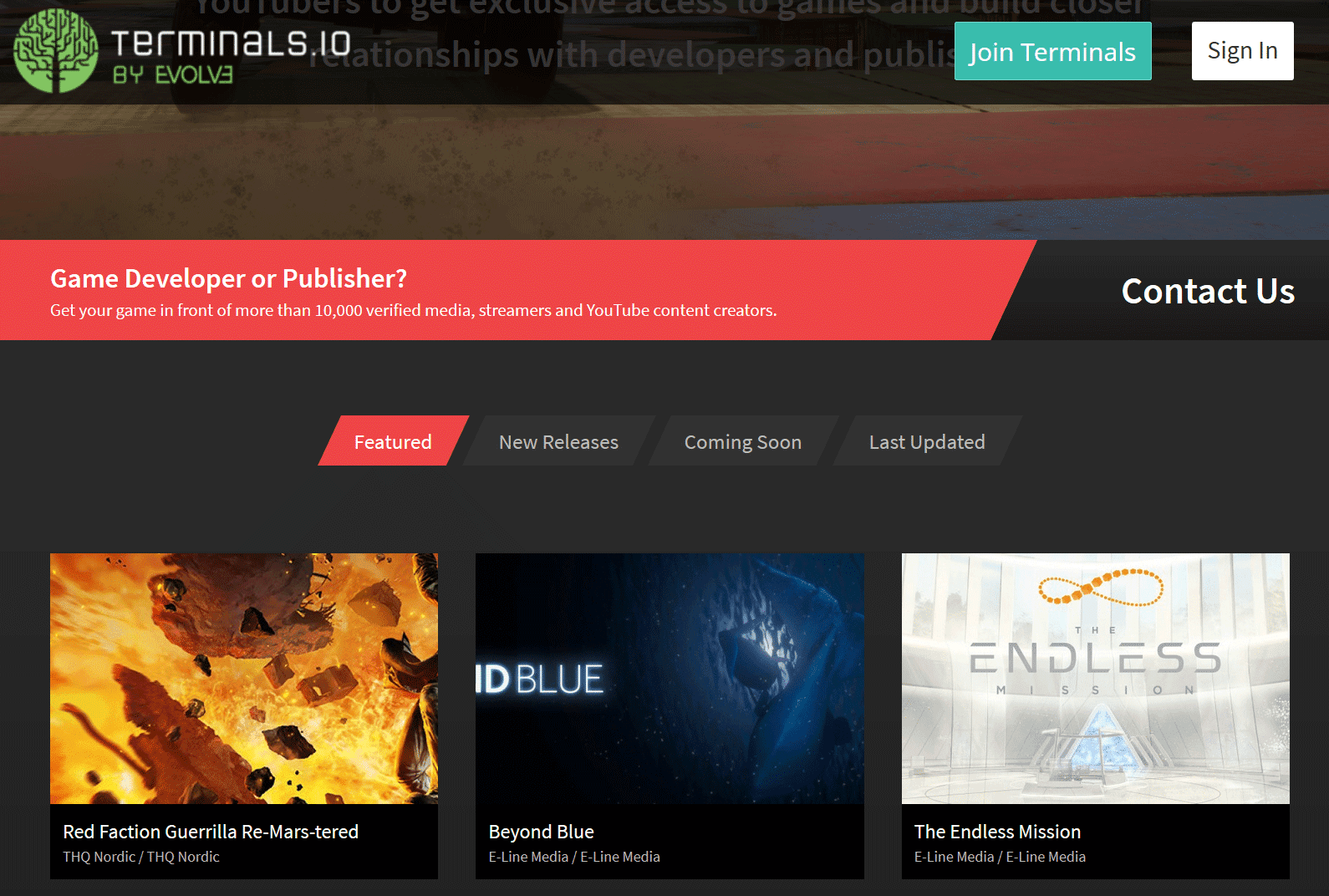
Terminals.io - key distribution platform, PR

terminals.io


These are all the various key distribution platforms that I have signed up for and use to get sponsorship opportunities and free game keys for my channel on twitch. If you happen to know of any that are not listed and provide similar services, please fill free to comment below or message me so I can review it and add it to the list.

Sponsorships / Affiliate Programs

Listed here are streamer + gaming focused type of brands with affiliate programs and sponsorships.  Some of these are accessible to new affiliates, while others are for geared towards bigger channels and communities.  Check out their website for more details and what type of connections are available.
  • AKRacing - gaming chairs, accessories
  • Astro Gaming - audio systems, headsets and accessories
  • AVerMedia - capture cards, microphones, webcams gaming audio
  • Arozzi - chairs, eyewear, gaming desks, microphones and more
  • Battle Beaver Customs - custom gaming controllers, DIY parts, prebuild controllers, refurbished controllers
  • BenQ - projectors, monitors, led lighting, digital signage, accessories
  • Cinch Gaming - custom gaming controllers
  • Corsair - gaming gear, streaming gear, pc components, and more
  • DXRacer - gaming chairs
  • Fatalgrips - mice, keyboards, mousepads, gaming controller grips / cases / skins / accessories
  • GTomega - chairs, cockpits, wheel stands and more
  • Gamergoo - hand lotion
  • Green Man Gaming - digital video game key seller
  • HyperX - gaming headsets, microphones, keyboards, mice, memory and more
  • Jinx - video game / tv tees, outerwear, toys, plush
  • Netgear - wifi gaming routers and more
  • Razer - gaming laptops, mice, keyboards, audio and more
  • Thermaltake USA - Chassis, fans, aio liquid cooling, air cooling, mice and more


Additional notes:

Make sure to have a business contact email address on your twitch channels about section and on your other linked in social media profiles.  Many times sponsors maybe interested in working with you but no email address is provided for contact which leaves them to move on to the next channel.

Other things to take into consideration is your audience, your community and what your niche is and how a possible sponsorship can make sense for both you and them.  If you want to work with a brand and you think there are possible synergies, reach out to a PR contact for the brand.  It never hurts to ask and attempt to network.
Saturday, August 1, 2020

What are the affiliate perks for streamers?

Twitch Affiliate Perks

If you're a Twitch streamer looking to monetize your content, becoming an affiliate can provide a range of benefits and perks that are not available to regular broadcasters. In this article, we'll explore some of the key advantages of becoming a Twitch affiliate.

Monetization Perks

One of the main benefits of becoming a Twitch affiliate is the ability to monetize your content in various ways. Here are some of the monetization perks available to Twitch affiliates:
twitch affiliate perks

  • Subscriptions: With Twitch subscriptions, viewers can subscribe to your channel at various tiers, including Twitch Prime subs. This allows you to earn recurring revenue from your loyal fans. Additionally, subscribers get access to custom emotes and sub badges created by the streamer.
  • Bits: Twitch's in-house tipping system, bits, allows viewers to cheer on your channel with virtual currency. This can be a great way to generate additional revenue while also encouraging viewer engagement. Additionally, Twitch affiliates can create custom bit reward tiers for their viewers.
  • Ads: As a Twitch affiliate, you can run advertising mid-roll blocks with the push of a button on the dashboard. This can help generate additional revenue, but it's important to use ad breaks strategically so as not to negatively impact the viewer experience.
  • Bounty: Twitch's bounty program allows affiliates to browse and accept sponsored opportunities from brands and game companies. This can be a great way to earn extra income while also promoting products that are relevant to your audience.

Video Perks

In addition to monetization perks, Twitch affiliates also enjoy certain advantages when it comes to video content. Here are some of the video perks available to Twitch affiliates:

  • Transcoding: With higher priority access, affiliates can access transcoding options that allow viewers to adjust the video quality based on their internet connection. This can help ensure that all viewers have a smooth viewing experience regardless of their internet speed.
  • ReRuns: As an affiliate, you can use Twitch's ReRuns feature to restream a previous session or VOD. This can be a great way to fill in gaps in your streaming schedule or provide additional content for your viewers. ReRun mode feature has been removed, you can still do reruns but you have to broadcast the video from your end.

In conclusion, becoming a Twitch affiliate provides a range of benefits and perks that can help you monetize your content and grow your channel. From subscriptions and bits to ads and sponsorships, there are numerous ways to generate revenue as a Twitch affiliate. Additionally, the video perks available can help ensure that your content is accessible to all viewers, regardless of their internet speed. If you're looking to take your streaming to the next level, becoming a Twitch affiliate is definitely worth considering.

Thursday, July 30, 2020

Requirements to become a twitch affiliate

What are the requirements to become a twitch affiliate?

The base requirements needed to get affiliate on twitch is as follows.
  • Reach 50 followers or more on your channel.
  • Stream for 8 hours or at least 500 total minutes in the last 30 days.
  • Stream on 7 different days in the last 30 days.
  • Average of 3 viewers - includes hosts and raids but not 3rd party embeds
As you are progressing on the path to affiliate, you can check in your dashboard sidebar section called insights then achievements. Here you will find the progress section on how you are doing on the base requirements.

path to affiliate

The easiest way to get affiliate on twitch is to follow my detail guide covering all the basic steps you need to take to get started on the platform.

What are the benefits of twitch affiliate?

Becoming a affiliate provides additional perks then a normal broadcaster on twitch.  Here are a few of the benefits:

Monetization Perks
  • Subscriptions - allows you to get the sub button and viewers can sub to your channel via various tiers including twitch prime subs
    • Emotes - allows you to have custom emotes
    • Sub Badges - custom sub badges
  • Bits - this is twitch's inhouse tipping system, viewers can cheer bits on your channel.
    • Bit Badges - custom bit reward tiers
  • Ads - you can run advertising mid-roll blocks with the push of a button on the dashboard
  • Bounty - allows you to browse and accept sponsored opportunities from brands and game companies
Video Perks
  • Transcoding - as available with higher priority access 
  • ReRuns - allows you to restream a previous session or vod
Wednesday, July 29, 2020

Can twitch streams be private?

How to make your twitch stream private?

You can't but you can use some settings to make your stream a little more hidden. First setting is to not set a category.  By leaving your category empty, the stream will only show up on the "live streams" directory section which is generally populated by every single other live channel on the platform.  So if your channel has low viewership, it will be somewhat harder to find.

Next setting is to enable sub only mod for viewing, this can be done in the dashboard under the edit stream button.

subscriber only

With sub only viewing enabled, it will make it harder for a viewer to continue watching the stream unless they are subscribed to the channel.
Tuesday, July 28, 2020

Can mods change title

Can Twitch Mods Change Stream Titles? (Yes – Full 2026 Guide for Moderators)

Yes, Twitch moderators with the proper permissions can change the stream title, category, audience rating, tags, and language settings. This is one of the most useful moderator tools and helps streamers keep their channel information up to date without pausing the stream.

In this fully updated 2026 guide, we show you exactly how moderators can edit stream info using Mod View. The process is quick and works the same way it has for years.

Quick Requirements Before You Start

  • You must be a moderator in the channel
  • The streamer must have given you Editor permissions (or specifically enabled “Edit Stream Info” in Roles Manager)
  • You need to be on desktop or the Twitch website (mobile Mod View is limited)

Step-by-Step: How Mods Change the Stream Title on Twitch

Step 1.
Go to the Mod View dashboard by clicking the Mod View button (sword icon) at the bottom of the chat.

mod view link

Step 2.
On the Mod View dashboard, click the little pencil icon next to the stream’s title.

edit title button

Step 3.
A pop-up window called “Broadcast Options” will appear. Edit the title in the top text box (or change category, tags, audience, or language). Click Done to save.

broadcast options

Bonus Tip: Faster Way Using Chat Commands (2026)

Many channels use bots like Nightbot or StreamElements. Moderators can simply type in chat:

!title Your New Stream Title Here

Ask the streamer which bot they use and what the exact command is.

Pro Tips for Moderators in 2026

  • Always double-check spelling and length (Twitch titles have a 140-character limit)
  • Update the category and tags at the same time for better discoverability
  • Keep titles SEO-friendly and exciting to help with recommendations
  • If the pencil icon is missing, ask the streamer to give you Editor permissions in Creator Dashboard → Community → Roles Manager

Frequently Asked Questions

Do all mods have permission to change the title?

No. Only moderators with Editor permissions can edit stream info. Regular mods can only moderate chat.

Can I change the title from mobile?

Yes, but it’s much easier and more reliable on desktop using Mod View.

Does changing the title notify viewers?

No, it updates silently. Viewers see the new title immediately in the channel info.

Final Thoughts

Being able to change the stream title as a mod is a powerful tool that keeps streams running smoothly. The Mod View method above is still the official and fastest native way in 2026.

Save this guide and share it with your mod team so everyone stays on the same page. Need help with permissions or bot commands? Drop a comment below and I’ll walk you through it.

Happy moderating!